Budget every payday, not every month.
EachPayday is a fortnightly-first budgeting app made in Australia, built on the set-aside method: every bill covered each payday, and what's left is clearly yours. Buy it once, own it forever. No account. No bank access. Works offline. Your data never leaves your device.
- Fortnightly, weekly & monthly pay
- One-time price
- No bank logins
- Works offline
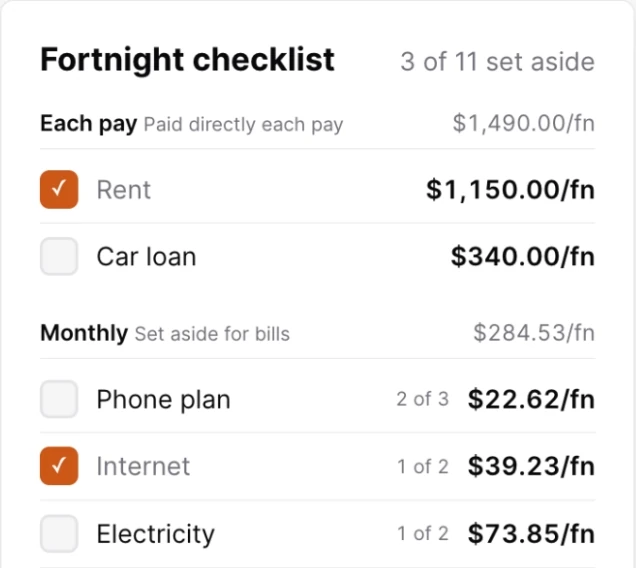
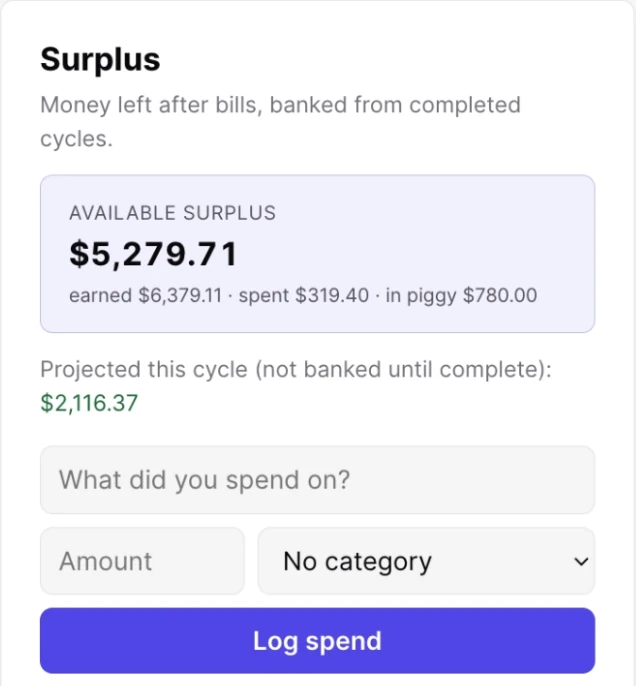
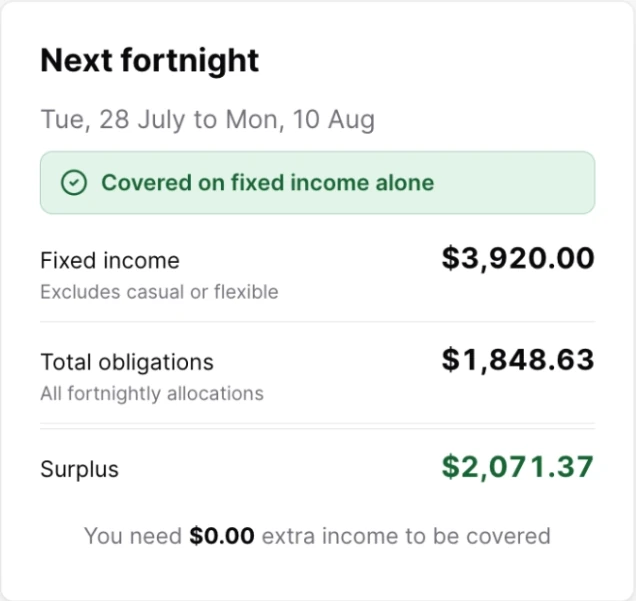
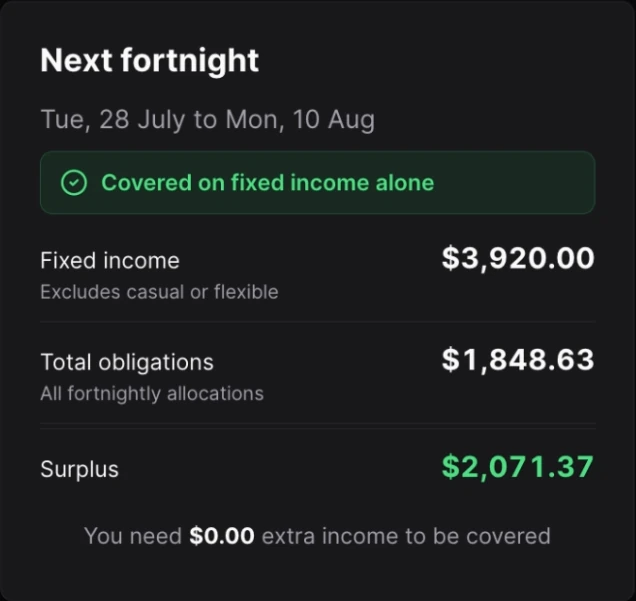
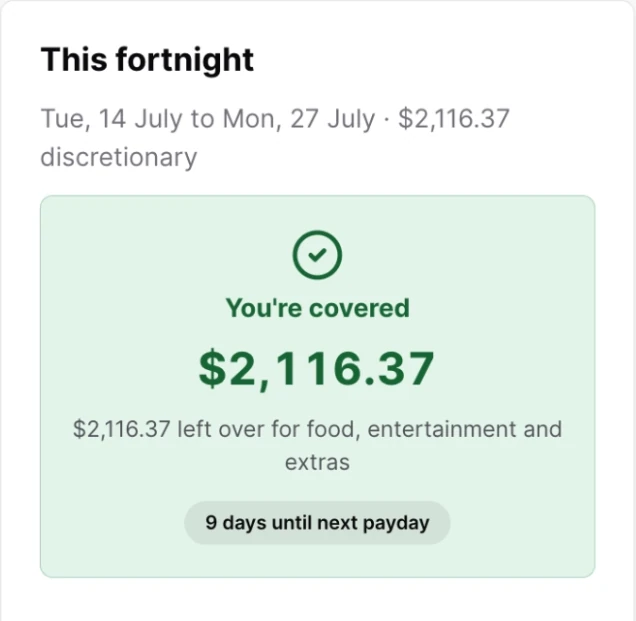
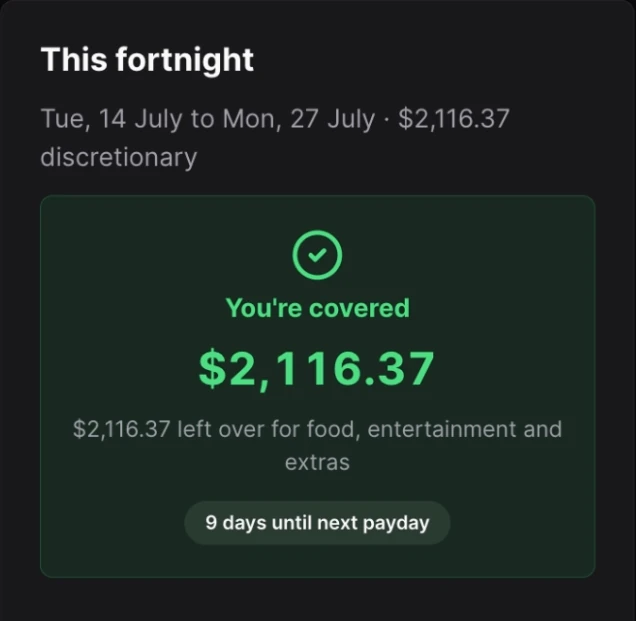
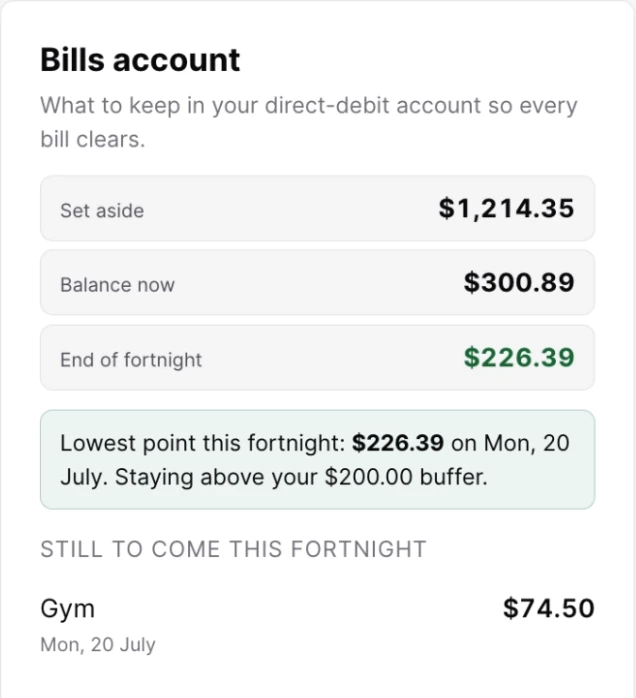
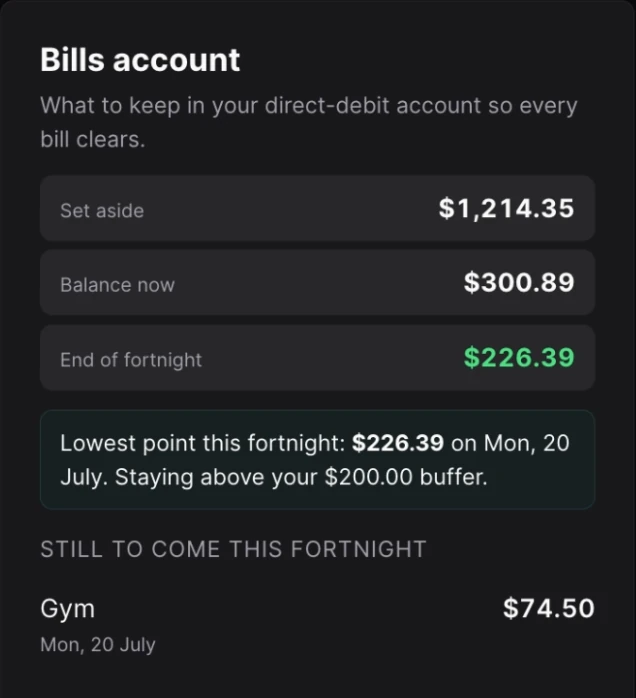
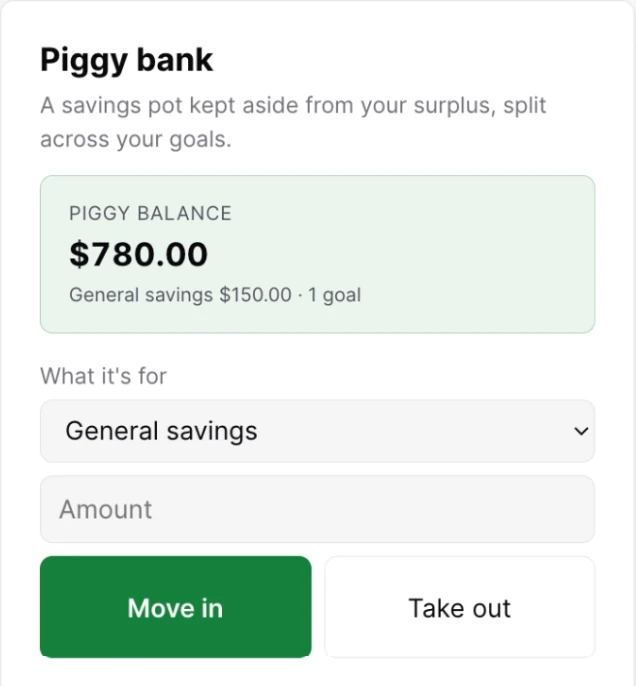
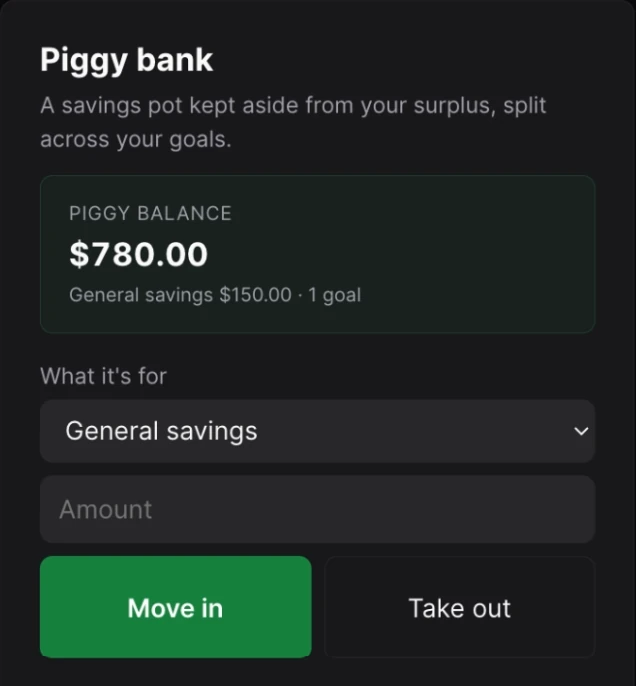
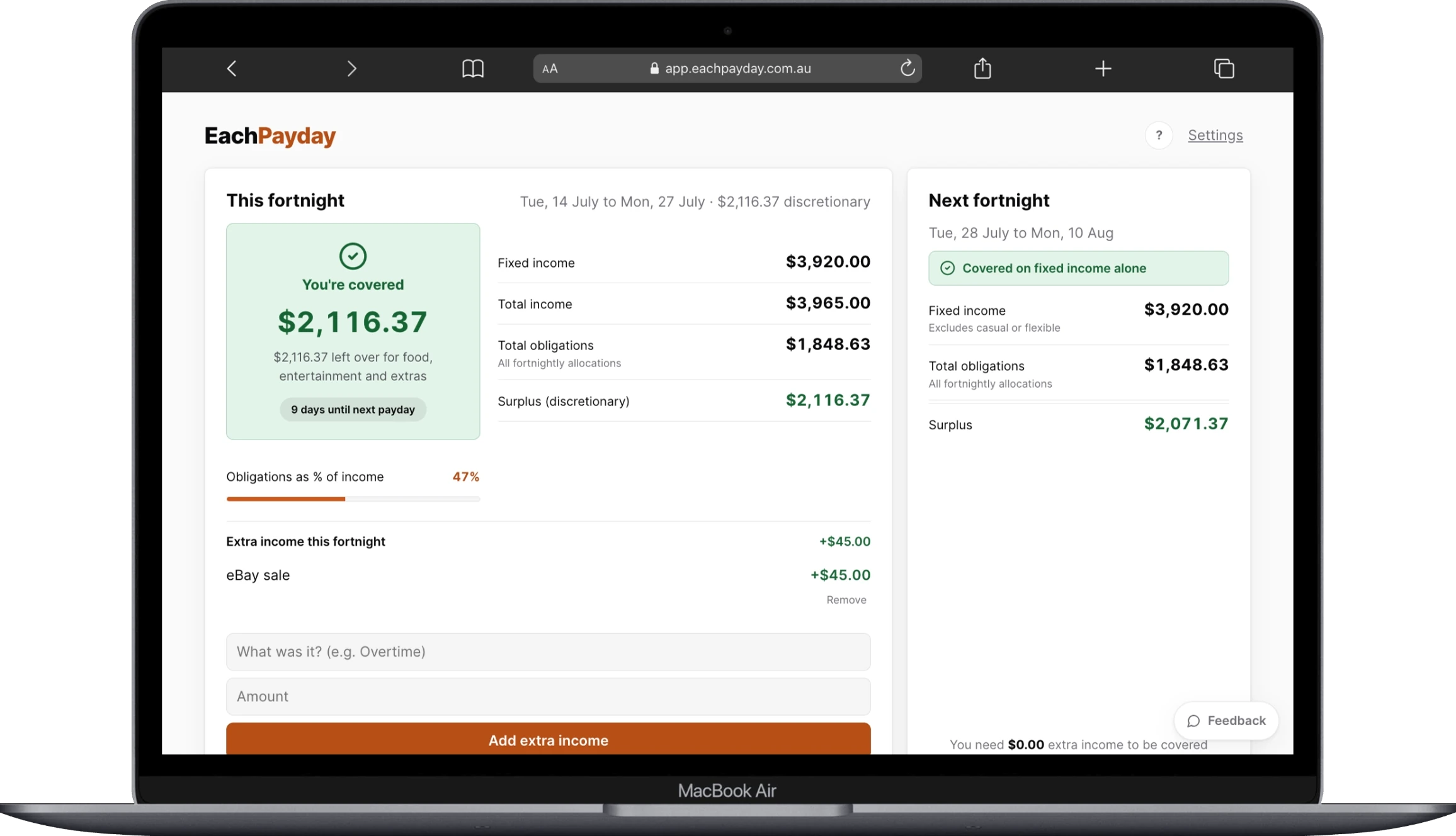
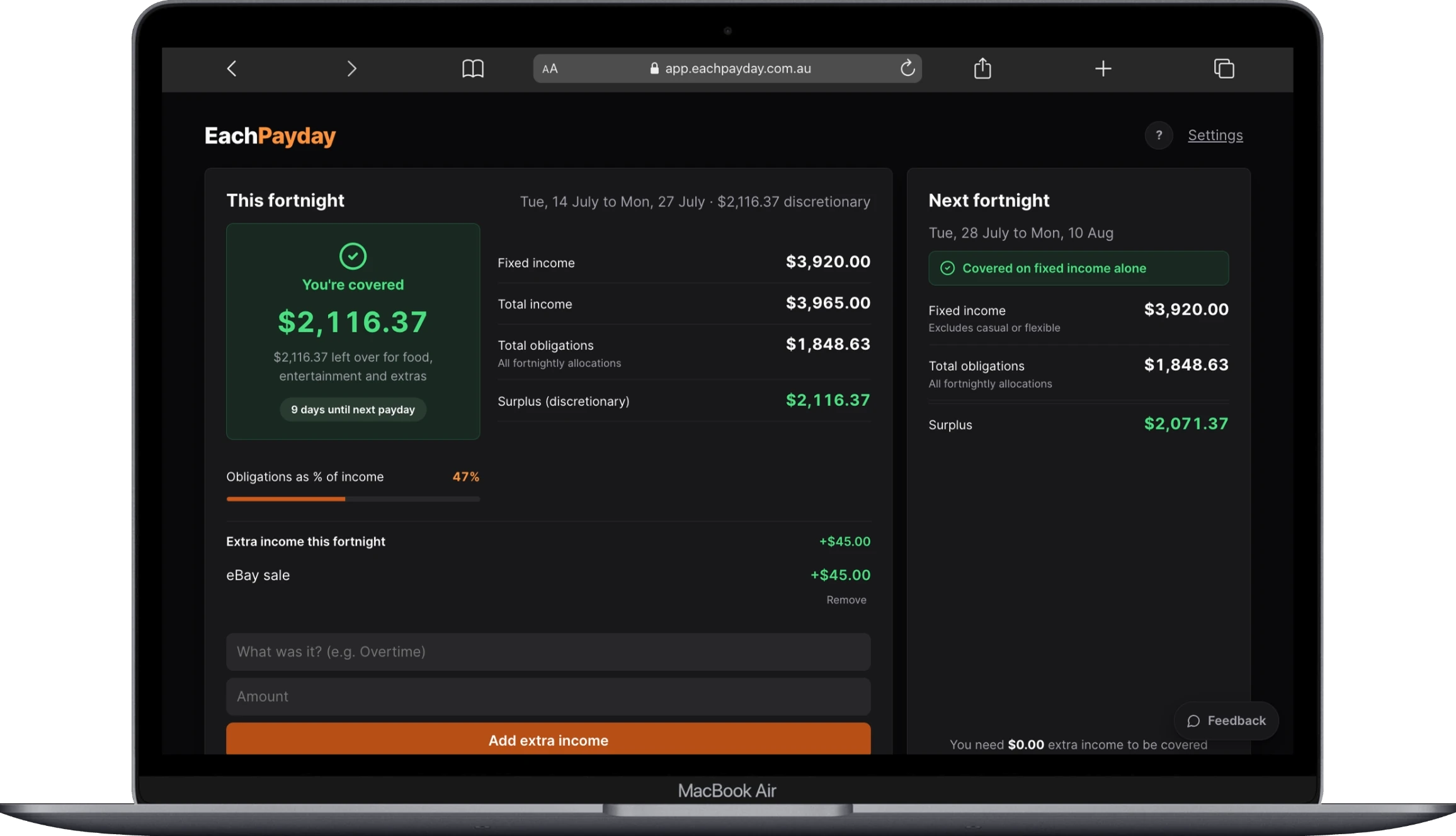
The actual app, shown with sample data.
Built for how you're actually paid
Your pay cycle, not the calendar
Fortnightly, weekly, or monthly: EachPayday turns every bill into a per-payday amount and shows exactly what this cycle needs. No more translating monthly budgets into fortnights.
Learn more in the help docsThe set-aside method, automated
Every payday, a checklist: what to keep, what to move to your bills account, what's left as yours. Tick it off in two minutes, and the app tracks that every direct debit is covered until next payday.
Learn more in the help docsPrivate by design
No sign-up, no bank logins, no cloud. Your budget lives on your device and backs up to a file you control. We can't see your data, so we can't lose it, leak it, or sell it.
Learn more in the help docsThe set-aside method
One habit, every payday: move the money for your upcoming bills into a separate bills account, so it is already sitting there when each bill lands. EachPayday does the maths and keeps score.
Every bill becomes a per-payday amount
- Power, $130 a month $60.00 a fortnight
- Rego, $1,200 a year $46.15 a fortnight
- Streaming, $15.99 a month $7.38 a fortnight
EachPayday converts every bill this way, whatever its billing cycle, then adds them up into one number to move each payday. Paid weekly or monthly? The same maths follows your cycle.
Payday
Your pay lands in your everyday account, and EachPayday shows this cycle's checklist.
Set aside
Move the set-aside amount to your bills account in your banking app and tick it off. Every debit until next payday is now covered.
Yours
What's left is clearly yours: spend it, or move some to your savings goals.
Everything for the fortnight, in one place
Payday checklist
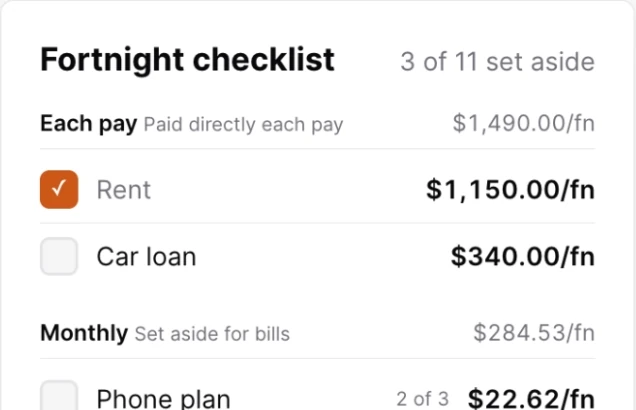
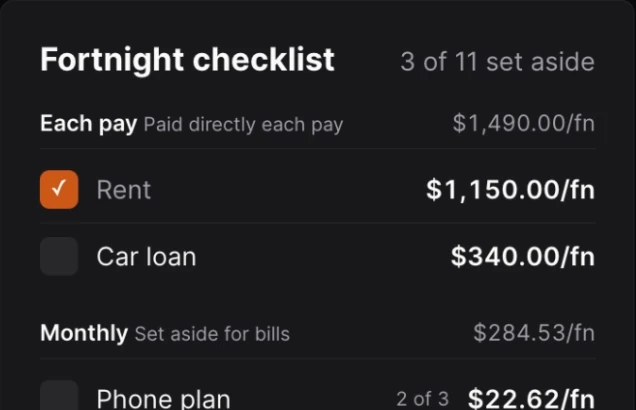
Each payday, a simple list: what to set aside, what to move to your bills account, what's yours. Tick as you go.
Learn more about the payday checklist in the help docsBills account tracker
See the lowest your bills balance will dip before next payday, and exactly how much to top up so nothing bounces.
Learn more about the bills account tracker in the help docsSurplus, tracked honestly
What's actually left once every bill is covered, with spending logged by category.
Learn more about surplus tracking in the help docsPiggy bank with goals
Set money aside from your surplus toward goals, and watch each one fill.
Learn more about piggy bank goals in the help docsTrends and health
A budget health score, your surplus over time, and where the money goes.
Learn more about trends and budget health in the help docsMake it yours
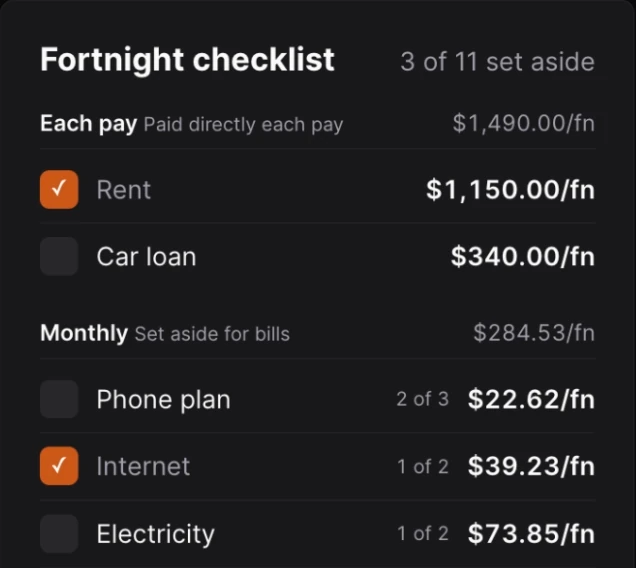
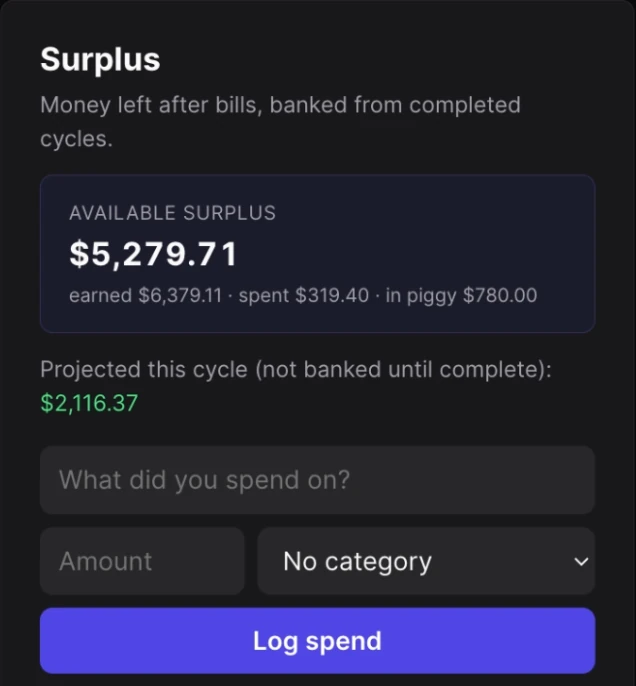
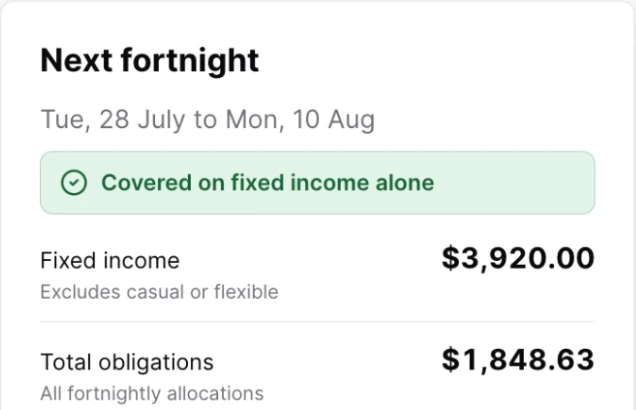
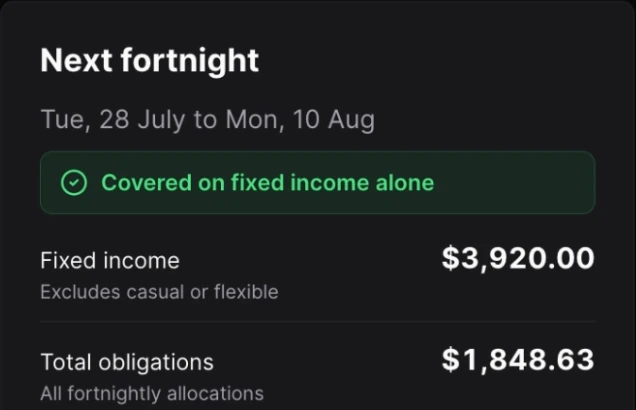
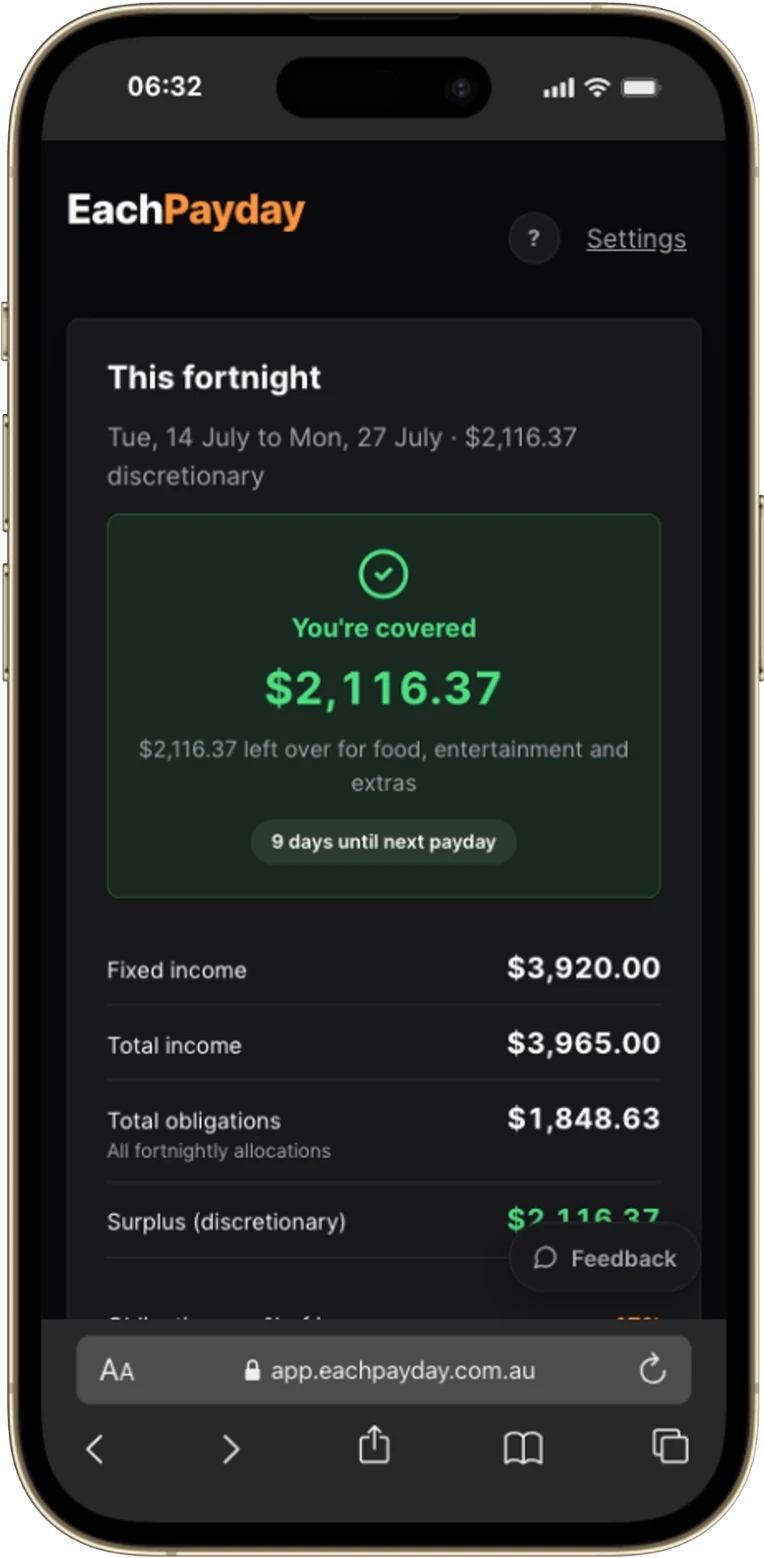
Seven accent colours plus light and dark themes, picked in Settings and saved on your device.
Learn more about themes and accent colours in the help docsHow it works
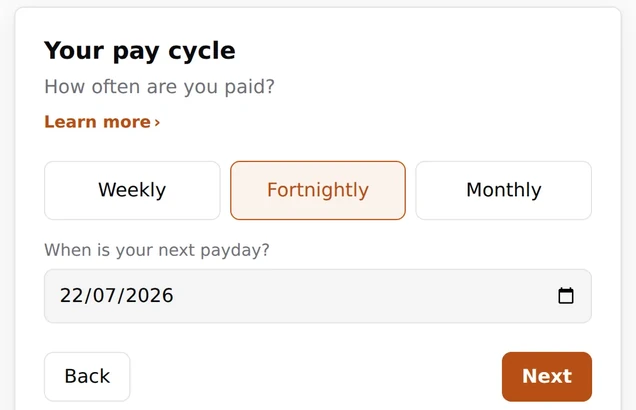
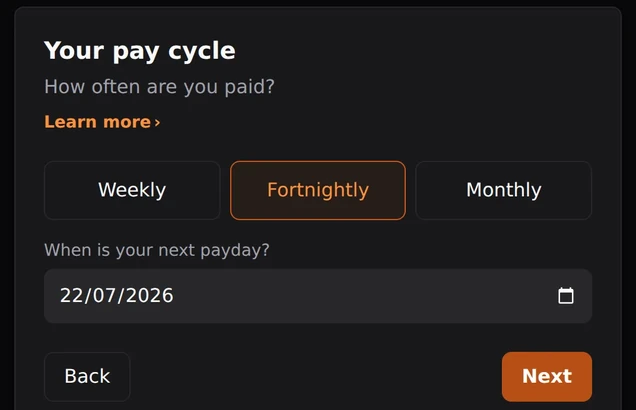
Tell it your payday and your bills
Two minutes, no account. Pick your pay cycle, add your income and regular expenses.
Follow your payday checklist
Each payday: set aside, transfer, done. The app does the maths for every bill, whatever its billing cycle.
Watch every cycle close covered
See every direct debit covered until next payday, and the surplus that's actually yours.
Yours on every device
Install EachPayday on your iPhone, Android, or desktop. Add it to your home screen and it runs like a native app, fully offline. Your budget stays on the device and moves with you through your own backup file.
Learn more in the help docs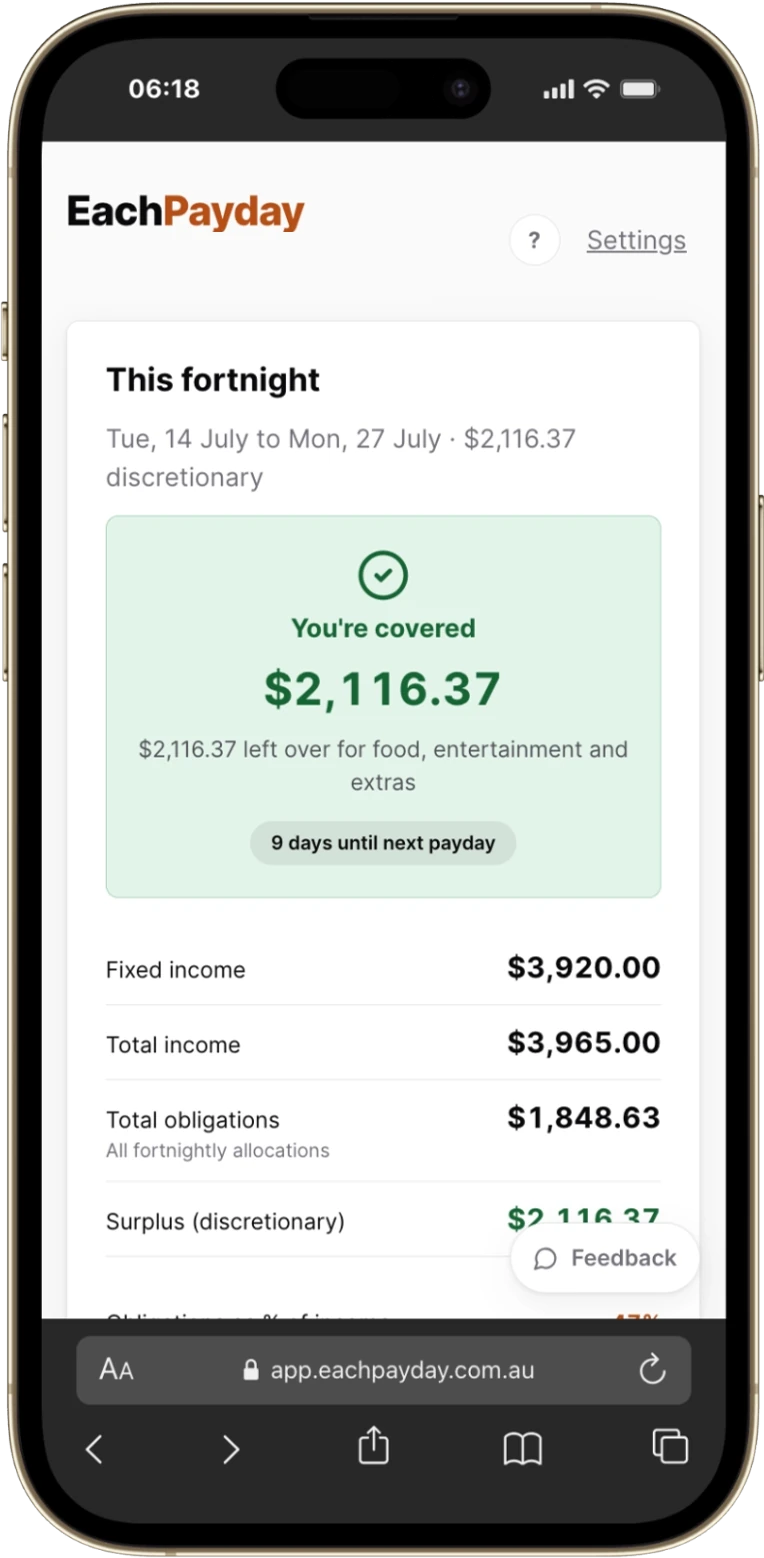
Buy once. Yours for good.
Waitlist members get the launch price. No subscription, no renewal, and all 1.x updates free. If money's genuinely tight, the launch price stays available permanently as an honour-based concession, no proof required.
Pay once and it's yours. No subscription, no renewal, and all 1.x updates free. The launch price runs until 31 December 2026, then the standard price is AU$49.99. If money's genuinely tight, the launch price stays available permanently as an honour-based concession, no proof required.
Recommend it, get paid
Every licence includes a referral code. A friend takes AU$5 off at checkout with yours, and you earn AU$5 for each purchase that sticks, paid out AU$15 at a time.
Fair questions
What will the charge look like on my card?
Your card statement shows the purchase as LINK.COM* EACHPAYDAY, and your payment receipt email comes from Link, the Stripe service that processes EachPayday purchases. Your licence key arrives in a separate email from licence@eachpayday.com.au. More detail: Your licence and devices.
What is the set-aside method?
One habit: every payday, move the money for your upcoming bills into a separate bills account so it is there when each bill lands, and what remains in your everyday account is clearly yours. EachPayday turns every bill into a per-payday amount, gives you the checklist, and tracks that every debit is covered. See the method section above or the full guide, The set-aside method.
No bank sync? Really?
Deliberate. Bank feeds mean granting a fintech ongoing access to your transactions and having your data stored on someone's servers. EachPayday needs neither. It works from your pay cycle and your bills, which you already know. Nothing to breach, nothing to sell, and it works offline. More detail: Privacy, and why there is no bank sync.
How is a one-time price sustainable?
All 1.x updates are free and the app has near-zero running costs by design: there are no servers holding your data. If we ever build a major v2, it'll be an optional paid upgrade and your version keeps working. We'd rather earn your money once honestly than rent you your own budget. Every update is listed at What's new.
I'm not paid fortnightly. Does it still work?
Yes. Fortnightly-first, not fortnightly-only: weekly and monthly pay are fully supported, and every label, checklist, and calculation follows your cycle. You can even switch later: Changing your pay frequency.
I'm on Centrelink payments. Is this for me?
Very much. Centrelink pays fortnightly, and EachPayday is built around exactly that rhythm: what to set aside this fortnight so every bill is covered before the next payment.
I'm not in Australia. Can I still use it?
Yes. EachPayday is made in Australia and priced in Australian dollars, but nothing about it is Australia-only: weekly, fortnightly and monthly pay work the same everywhere, and you can pick your currency and date format in Settings. The set-aside method only needs a bank that lets you hold a second account.
If my data is only on my device, what if I lose my phone?
The app prompts a one-tap backup file each pay cycle, a file you keep wherever you like. Restoring on a new device takes seconds. Your data, your device, your backups. Full detail: Backing up and restoring your data.
What devices does it run on?
iPhone, Android, and desktop. EachPayday is an installable web app (PWA): add it to your home screen and it works like a native app, including offline. How that works across devices: Using EachPayday on more than one device.
Can I try before buying?
Yes. The app ships with a full demo mode using sample data, free and unlimited, no sign-up. Buying unlocks using your own numbers. What to expect first: Getting started.
I already have money set aside. Can I switch to this?
Yes. During setup you can enter starting balances for your bills and savings accounts, and how much you have already put toward each goal, so the dashboard matches your real bank from day one. Setup happens before your next payday, so EachPayday shows you a preview and starts on the day you are actually paid, keeping your first cycle clean. The detail: The set-aside method.
Be first when EachPayday launches
Get the AU$29.99 launch price. No spam, just the launch email and a couple of build updates.
We collect your email only to tell you about EachPayday's launch, via Buttondown (our email provider). Unsubscribe any time with one click. We never share or sell your address.
Start on your next payday
AU$29.99 launch price until 31 December 2026, one-time. Checkout is by card through Stripe, and your licence key arrives by email straight after payment.
One licence covers you across your devices. The details live in the Terms of Sale.